
Updated 3 Oct 2026
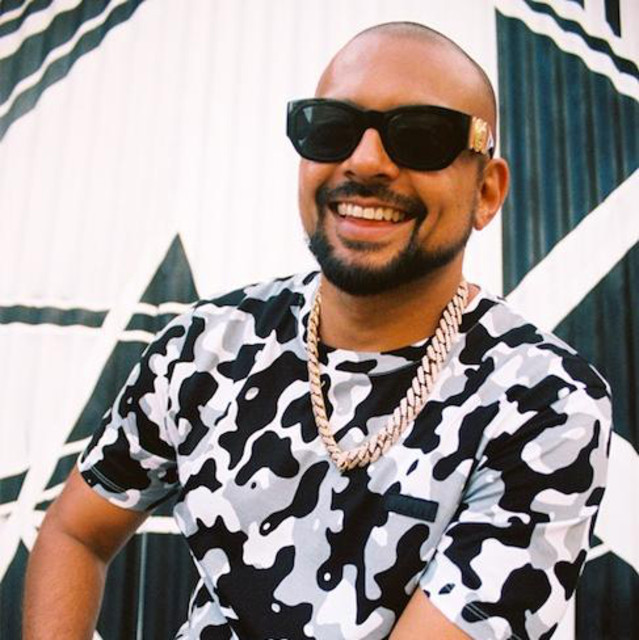
A Sean Paul type beat is defined by a loop built on electric piano and guitar, a punchy 808 and hi-hats that carry the bounce.
You do not need a finished beat to start. The Sean Paul loops sit in step 1 and again at the bottom, ready to play.
Most loops run 110 to 140 BPM, with the bulk sitting around 135 BPM.
The key is mostly minor. Easiest is to take the key straight from your loop and put the 808 and the melody on the same root.
The loops in step 1 stream right here and the mp3 is free. Then work through the six steps.
For the melody electric piano, guitar and piano are enough. Keep the loop dry and let it breathe instead of burying it in effects.
The 808 carries the low end on its own. Set it to cut itself and give it some saturation, then it pushes without a long effect chain.
Clap and hi-hats hold the grid. A hard clap on two and four, hats as a two-step with gaps for the open hat.
16 bars as the hook, then the same thing as a verse with one track taken out completely and a simpler 808 pattern.
A bridge with a real change: a different lead, stretched chords or a second melody layer. Coming back into the hook, let the drums arrive one bar late.
The position of the loop is not fixed. One or two semitones change the whole mood.
Up the melody gets brighter and thinner, down it gets heavier and darker. The key moves with it, so pull the 808 to the new root afterwards.
Too much stacked up. A few clear sounds carry the whole beat, every further layer after that only takes up room.
Leaving the lows in every track. Cut the low frequencies off each melody track with a high-pass so the bass stands alone at the bottom.
Only other type beats as a reference. Those are built to rap on, the originals sound different. Listen to the real songs first.
Nothing in the steps above depends on the DAW. You need a sampler for the 808, an EQ and a reverb, nothing else.
FL Studio: the 808 goes in a sampler channel with cut itself on and some saturation in the channel effects. Draw the hats and rolls with the paintbrush instead of slicing them.
Logic: Quick Sampler for the 808, set to mono, and pull the hold up in the amp envelope. Step Sequencer for the hats, one bus for all melody tracks with a Channel EQ cutting the lows plus a reverb.
Every loop here is played by hand, no AI, and free as an mp3.
Pick a loop and drag it into your DAW. 808 under it, clap on top, your first Sean Paul beat is running.
All Sean Paul loopsMore guides: How to Make a Rod Wave Type Beat (+ Free Loops) · How to Make a Gunna Type Beat (+ Free Loops) · How to Make a Ken Carson Type Beat (+ Free Loops) · How to Make a Future Type Beat (+ Free Loops)
110 to 140 BPM, the bulk sits around 135 BPM.
Mostly minor. Easiest is to take the key from your loop.
For the melody electric piano, guitar and piano. Under it an 808, hi-hats and a hard clap.
Any. You need a sampler for the 808, an EQ and a reverb, nothing else.
Yes, and it is a step of its own: move the whole melody group one or two semitones. The 808 has to follow.
Yes, every loop is a free mp3. Not royalty-free: a commercial release means a 50/50 split with NDA Company.
They are not royalty-free. Free in your own beats; a 50/50 publishing split with NDA Company applies to every commercial release. License Terms
Nothing that fits?
All Sean Paul loops